Domain, hosting, SSL and maintenance: what nobody explains about your website
15 de September, 2026 · Development
The invisible side of your website: who owns the domain, which hosting to choose, why the padlock matters and what happens if nobody updates anything.
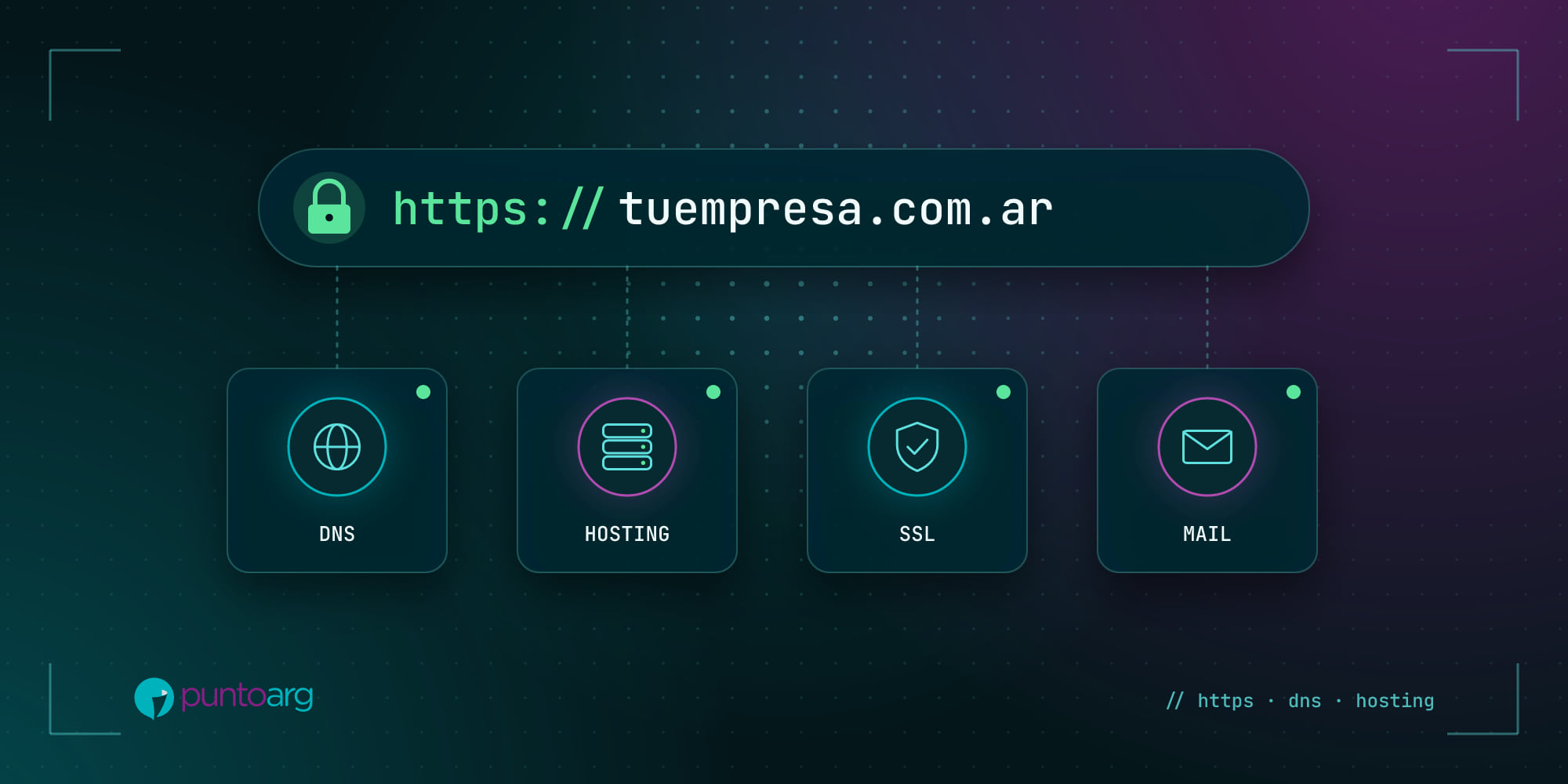
When we think about a website we think about design. But underneath there’s an infrastructure that, if it fails, takes everything else down with it: the site won’t load, emails bounce or the browser warns that your page is “not secure”. Here are the four pieces in plain language.
1. The domain: your address on the internet
The domain is your site’s name, like yourcompany.com. It’s rented yearly and must be renewed. In Argentina, .ar domains are registered with NIC Argentina; .com and others, with international registrars.
The most important advice in this whole article: the domain must be registered in your name or your company’s, not the designer’s, a nephew’s or the agency’s. We’ve seen many businesses lose their domain because someone else registered it and then stopped answering. If you don’t know whose name yours is in, find out today.
2. Hosting: where your site lives
Hosting is the server that stores your website’s files and delivers them to each visitor. There are several kinds:
- Shared: many sites on one server. Affordable and enough for small sites, but if a neighbor uses a lot, you feel it.
- VPS or cloud: resources reserved for you. Faster and more stable, ideal for stores, platforms and systems.
- Managed: someone takes care of updates, backups and security for you.
To choose, look at three things: where the servers are (the closer to your customers, the better), whether automatic backups are included, and how quickly support responds.
3. The SSL certificate: the padlock
SSL encrypts the information traveling between your site and the visitor, and it’s what makes the address start with https://. Today it’s not optional: browsers flag sites without a certificate as “not secure”, and that scares off anyone about to leave their details or pay.
The good news is that there are free, automatic certificates, like those from Let’s Encrypt, which most hosts install and renew on their own. If your site still lacks the padlock, there’s no excuse.
4. Email on your domain
Writing from sales@yourcompany.com instead of a free account builds trust. For those emails not to end up in spam, the domain records (SPF, DKIM and DMARC) need to be set up properly. It’s a one-time job, but it has to be done.
5. Maintenance: what happens after launch
A website isn’t a printed brochure: it’s software, and software ages. Without maintenance you get security issues, things that stop working with new browser versions and speed that degrades over time. A good maintenance plan includes:
- Security updates for the system and its components.
- Regular backups, stored elsewhere and tested.
- Monitoring: someone finds out before you do if the site goes down.
- On-time renewal of domain and hosting.
- Small content changes and support when you need it.
A checklist for today
- Is the domain in your name and do you know when it expires?
- Do you have access to the hosting panel?
- Does your site open with https and no warnings?
- When was the last backup?
- Who tells you if the site goes down?
If any answer was “I don’t know”, write to us. At PuntoArg we take care of domain, hosting, SSL, email and maintenance so you can take care of your business.