Excel, WhatsApp and memory: signs your business needs a CRM
08 de September, 2026 · Digital business
A CRM organizes your customers, inquiries and sales in one place. How to tell you need one and what it must have for your team to actually use it.
In many small businesses, customer information is scattered: an Excel sheet, each salesperson’s WhatsApp chats, a notebook and, above all, someone’s memory. It works… until that person goes on vacation, changes phones or simply forgets to call.
A CRM (Customer Relationship Management) is the system that brings all of that into one place: who each customer is, what they asked, what you quoted, what they bought and what needs to happen next.
Signs you already need one
- You find out a customer “never got a reply” to an inquiry.
- Two salespeople wrote to the same person, or neither did.
- You don’t know how many inquiries came in this month or how many turned into sales.
- To know a customer’s history you have to ask someone.
- When an employee leaves, the contacts leave with them on their phone.
- Follow-ups depend on someone remembering.
If two or more sounded familiar, the disorder is already costing you sales.
What a good CRM does
Centralizes contacts
Each customer has a record with their details, purchase history, conversations and team notes. Anyone who serves them knows where things stand.
Captures inquiries automatically
Website forms, campaigns and other channels add contacts automatically. Nobody has to copy and paste, and nothing gets lost. If the form also asks for project type, budget or how they found you, the lead arrives already qualified.
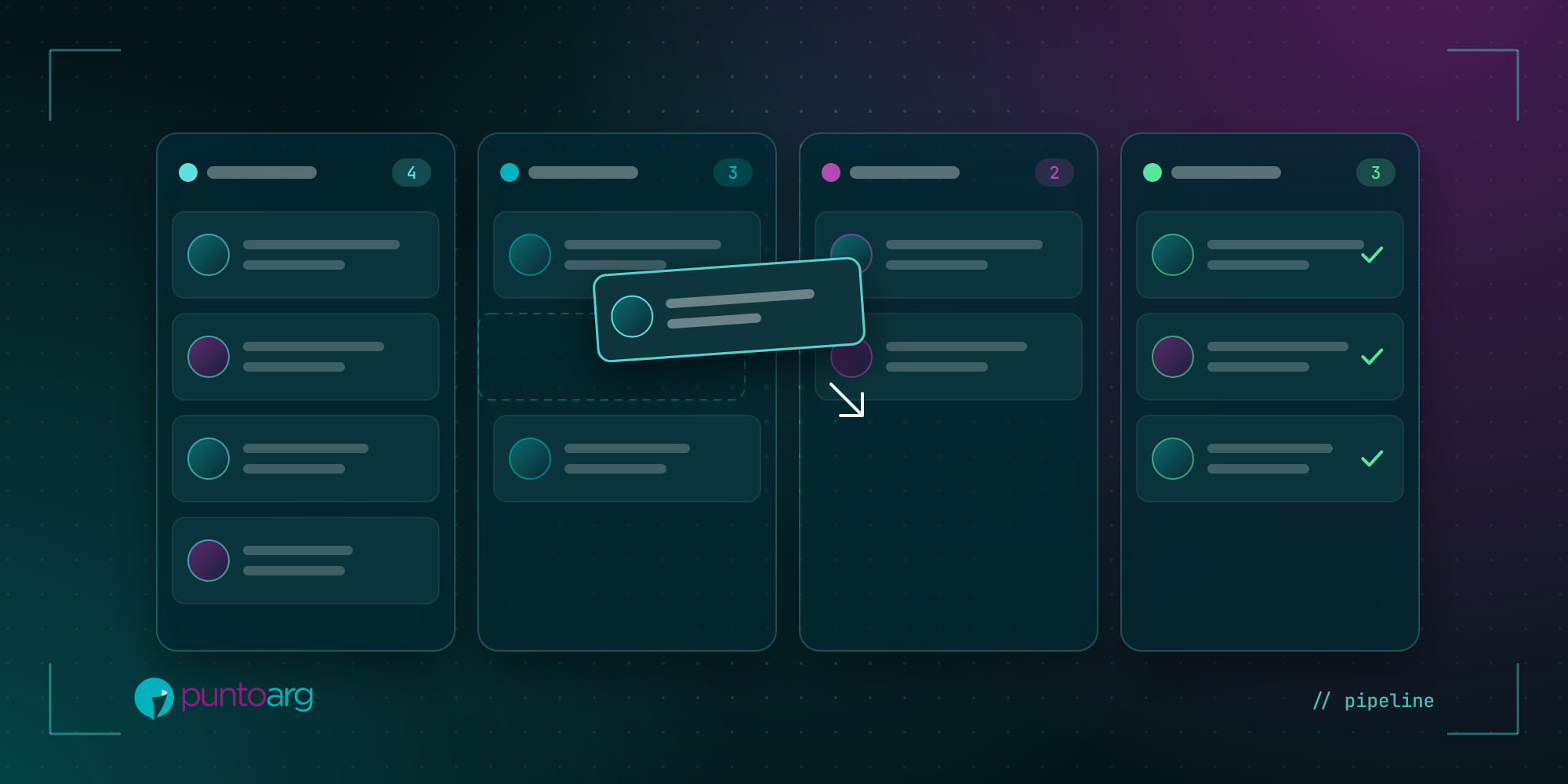
Organizes the sales pipeline
You see each opportunity at its stage (new, contacted, quoted, won, lost) and know where sales get stuck.
Remembers for you
Tasks and reminders: call on Thursday, send the quote, reach out on the purchase anniversary. The system reminds you, so you don’t have to.
Measures
How many inquiries came in, which channel they came from, how long the team takes to respond, what the conversion rate is. Decisions get made on that, not on gut feeling.
Off-the-shelf or custom CRM?
There are very good ready-to-use CRMs, and for many businesses they’re the best option. A custom CRM makes sense when the way you sell is particular: per-customer price lists, field sales routes, your own campaigns, integration with your invoicing or stock, or when per-user costs of generic tools get too high for your team.
For a distributor, for example, we built a customer CRM and a campaign CRM that salespeople use on their phones, out in the field, with information always up to date.
The key: getting your team to use it
The best CRM in the world is useless if nobody enters anything. So:
- Start simple. Few fields, only the stages you actually use.
- Automate data entry as much as possible so it isn’t an extra chore.
- Make it work on the phone, because that’s where your team works.
- Show results quickly: when the team sees it organizes their day, they adopt it.
At PuntoArg we design and build custom CRMs, integrated with your website and your tools. If you feel customers are slipping away, write to us.