Website speed: why every second of loading costs you customers
04 de August, 2026 · Development
What Core Web Vitals are, which numbers Google expects and what you can do so your site loads fast on your customers’ phones.
A slow website never tells you it’s losing sales: people just leave. Google measured it years ago across more than ten thousand mobile sites and found that 53% of visits are abandoned if a page takes longer than 3 seconds to load. The figure is from 2016, but users haven’t grown more patient since: today we browse in more of a hurry and with more tabs open.
That’s why at PuntoArg we say speed isn’t a technical detail. It’s part of the design and part of the business.
The three metrics Google looks at
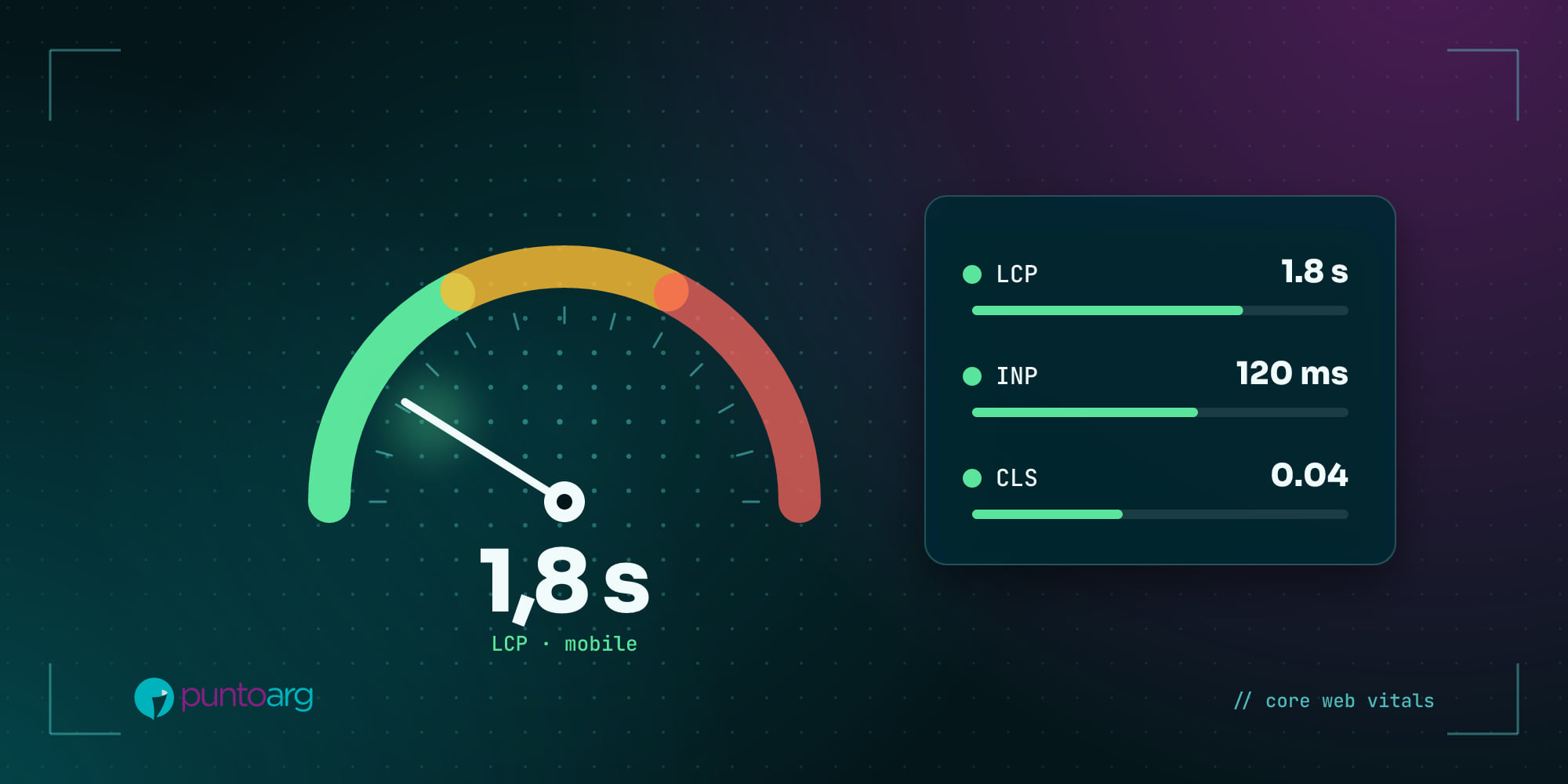
Google sums up the loading experience in three indicators, the Core Web Vitals. They’re measured with real-user data and assessed over 75% of visits: if three out of four people have a good experience, you pass.
- LCP (Largest Contentful Paint): how long the main element of the page takes to appear, usually the large image or the heading. Good is 2.5 seconds or less; over 4 seconds is poor.
- INP (Interaction to Next Paint): how long the page takes to respond when you tap a button, open a menu or type in a form. Good is 200 milliseconds or less; over 500 is poor. It replaced the old FID metric in March 2024.
- CLS (Cumulative Layout Shift): how much the content “jumps” while loading. The classic: you go to tap a link and it moves because a banner appeared. Good is 0.1 or less.
These metrics are part of the page experience signals Google considers for ranking. They don’t replace good content, but between two similar pages, the one that loads better has the edge.
What slows a site down the most
Almost every audit we run turns up the same suspects:
- Huge images. A 5 MB phone photo uploaded as is. Converting it to WebP or AVIF and serving it at the right size can cut the weight by more than 80%.
- Too many plugins and scripts. Every chat widget, tracking pixel and slider adds code the browser has to download and run.
- Cheap, overloaded hosting. If the server takes a second to respond, you’re already behind.
- Unoptimized fonts. Loading five weights of a typeface you use in a single heading.
- No caching. The site builds every page from scratch on every visit.
How to measure your site today
You don’t need to be a developer to get a diagnosis. Go to PageSpeed Insights, paste your site’s address and check the mobile tab. At the top you’ll see real-user data (if your site has enough traffic) and below, a list of opportunities sorted by impact.
One tip: always measure the mobile version. It’s what most of your customers use and it’s what Google uses as the reference to index your site.
How we approach it
When we build a site, speed is decided in the first meeting, not at the end. We pick the technology based on what the project needs, design around what loads first, optimize every image and video, and test on mid-range phones on mobile data, which is how most people browse. Every button works, every page loads fast: it’s one of the things we check before launch.
A fast site goes unnoticed. A slow site is always noticed.
If you feel your website takes longer than it should, write to us and we’ll run a diagnosis.
Sources
- Google, The Need for Mobile Speed (2016), via the AdSense Help Center.
- Google, Web Vitals on web.dev.