Template or custom development? How to choose without wasting money
25 de August, 2026 · Development
A template is good for getting started; a custom system is worth it when your business has its own processes. Here’s how to tell what you need.
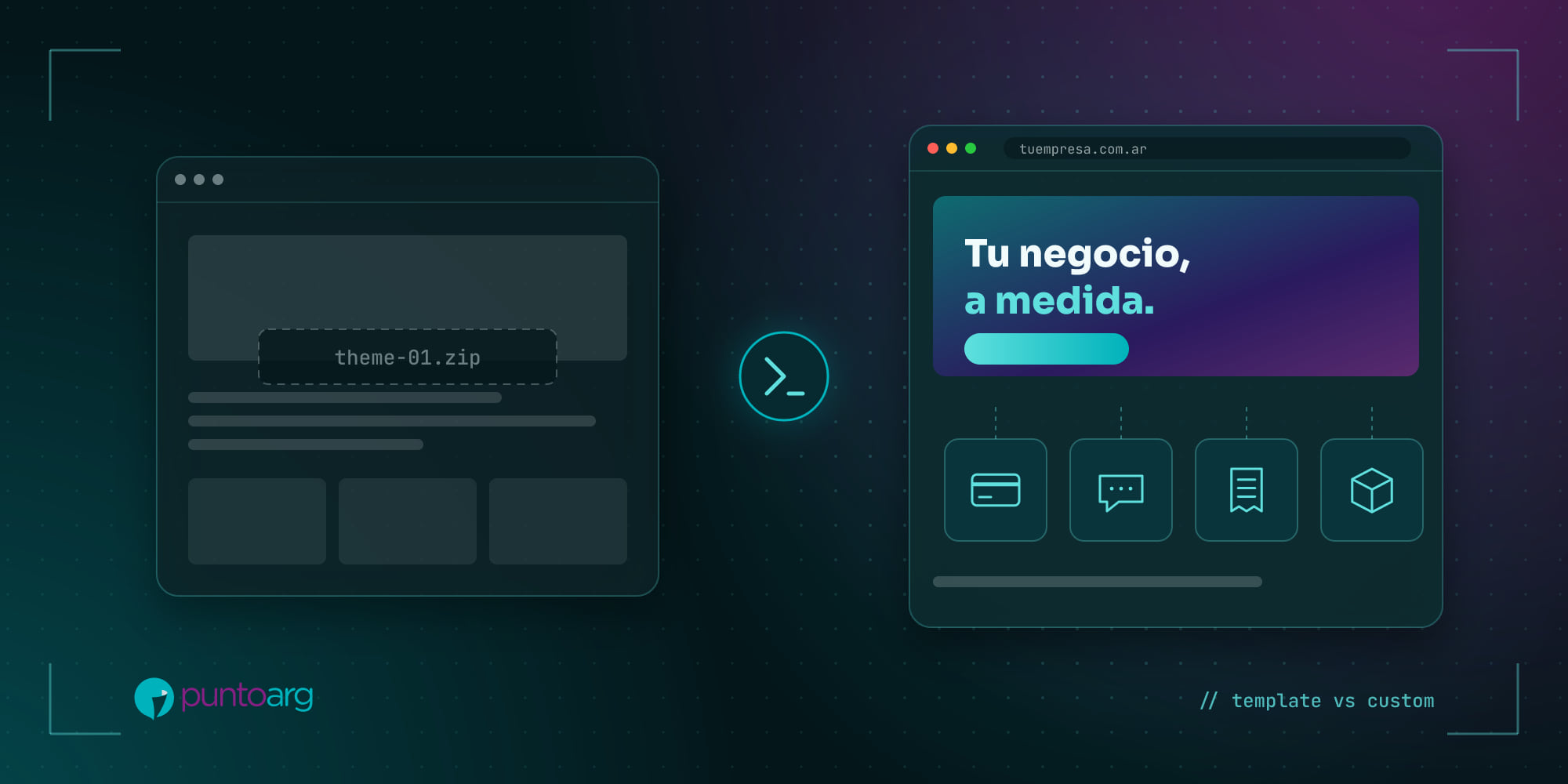
It’s one of the questions we hear the most: “Why would I pay for development when there are five-dollar templates?”. It’s a fair question, and the honest answer is: it depends on what your business needs its website to do.
We don’t sell pages, we design digital structures. And sometimes the best structure is the simplest one.
When a template or site builder is enough
Templates and visual builders have their place. They’re the way to go if:
- You need an online presence fast and on a small budget.
- Your site is mainly informational: who you are, what you do, how to reach you.
- You have no special processes: no bookings, quotes, private areas or integrations.
- You’re validating an idea and don’t know yet whether it will work.
What you need to be clear about is the hidden cost: plugins paid yearly, updates that break things, a design that looks like hundreds of other sites, and performance that’s usually worse, because the template ships code for a hundred features you don’t use.
When custom development pays off
Custom development starts to make sense when the site stops being a shop window and becomes a working tool:
- You have your own process that no off-the-shelf tool handles: quote builders, bookings with specific rules, approval flows.
- You need to integrate systems: your invoicing, your stock, payment gateways, WhatsApp, an ERP or an existing database.
- There are users with different permissions: customers, sales reps, admins, students, teachers.
- Brand and experience set you apart and you don’t want to look like your competitors.
- You’re paying for several subscriptions that together already cost more than owning something.
The comparison that matters: total cost
Comparing the price of a template with the price of development is the wrong comparison. What you should compare is the total cost over two or three years: licenses, plugins, hours your team spends doing by hand what the system could automate, sales lost to a poor experience, and what it costs to migrate when the tool can’t keep up.
A custom CRM, for example, can replace spreadsheets, lost messages and two or three monthly subscriptions. That’s what we did for distributors who went from managing customers in Excel to having everything in one place, on their phones too.
A middle path
It’s not all or nothing. We often start with a lightweight, well-built site and add custom modules as the business needs them: first the website, then the customer area, then the invoicing integration. What matters is that the foundation is built to grow so you don’t have to throw everything away each time.
Three questions to decide
- What should happen in your business when someone visits your site? Just get in touch, or something more?
- Which tasks does your team do by hand today that could run on their own?
- Which tools do you use today that should talk to each other?
If the answers are short, something simple is probably enough. If they take a while, let’s talk: that’s what the briefing is for, understanding your business before writing a line of code.